Why URLs Break After Copying and Pasting - And How to Avoid It
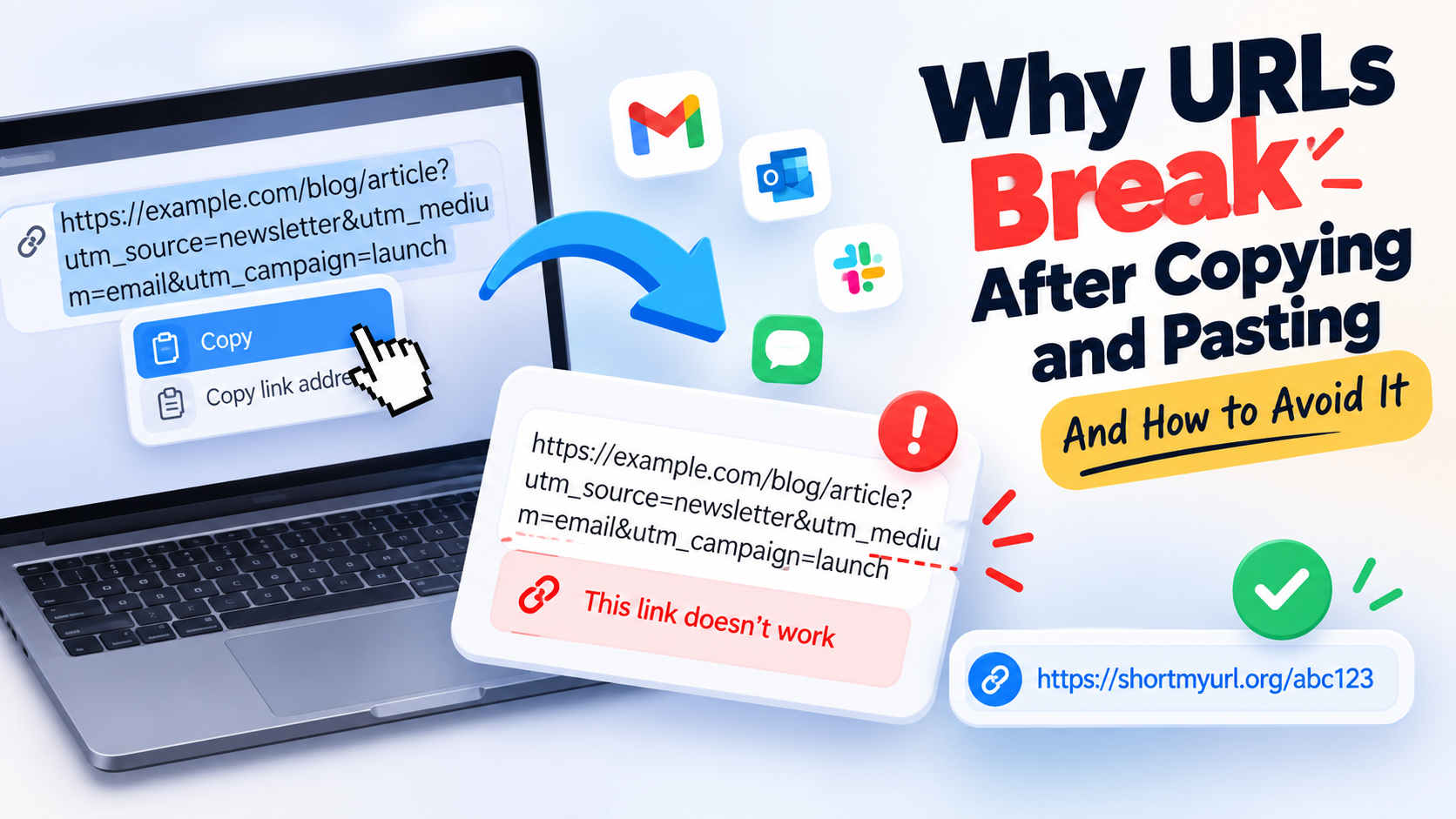
You copy a link. You paste it into an email, document, chat, or social post. Then you click it later and… nothing. Maybe the page doesn't open. Maybe only half the link gets recognized. Or worse, the link looks perfectly normal but sends you somewhere completely different.
- The Link Worked Before You Copied It
- What Can Go Wrong When a URL Travels Between Apps?
- Three Common Ways a URL Gets Damaged
- 1. The URL gets split by a line break
- 2. Special characters are changed or misunderstood
- 3. Tracking parameters disappear
- The Characters That Cause the Most Confusion
- How to Test a Link Before Sending It
- When a Shorter Link Actually Solves the Problem
- When You Should Keep the Original URL
- A Simple “Check Before You Send” Routine
- The Bottom Line
It's one of those tiny internet problems that feels ridiculously annoying because the URL worked five seconds ago.
The good news is that the URL usually isn't randomly “broken.” Something happened between the original link and the place where you pasted it. A character may have been changed, a line break may have been inserted, part of a tracking string may have disappeared, or the application you're using may have interpreted the URL differently.
Understanding what happens during that journey can save you a surprising amount of frustration.
The Link Worked Before You Copied It
The first thing to understand is that copying a URL doesn't necessarily preserve its appearance exactly as you see it.
A modern URL can contain much more than a simple domain and page name. It may include a path, query parameters, fragments, encoded characters, campaign tracking information, or other technical details.
For example:
https://example.com/products/shoes
is relatively easy to handle.
But a URL like:
https://example.com/search?q=running+shoes&sort=popular&utm_source=newsletter
has more moving parts. Characters such as ?, &, =, +, and % all have specific meanings. Remove or alter one of them and the destination may no longer behave as expected.
This is why a link can work perfectly in your browser but fail after being pasted somewhere else. The destination didn't necessarily change. The way the URL was handled did.
What Can Go Wrong When a URL Travels Between Apps?
URLs move through a surprisingly complicated chain of software.
You might copy a link from Chrome, paste it into Gmail, forward the message through Outlook, save it in a Word document, and eventually someone clicks it from their phone. Every application in that chain has its own way of displaying and interpreting text.
Most of the time, everything works exactly as it should. Problems appear when an application modifies the text around the URL.
A long URL might wrap onto another line. A rich-text editor might automatically format it. A messaging application might shorten the visible text. A document editor could treat punctuation immediately after the link as part of the URL—or leave it outside.
And sometimes the problem isn't technical at all. Someone simply copies only part of the address.
That last one happens more often than anyone likes to admit.
Three Common Ways a URL Gets Damaged
1. The URL gets split by a line break
Long URLs are especially vulnerable here.
Imagine you're putting a long link into a PDF, printed document, presentation, or email. The application may visually wrap the address across multiple lines. That's not necessarily a problem when the link remains an active hyperlink, but manually copying the visible text can produce a different result.
A recipient may grab the first line, miss the second, and end up with an incomplete address.
This is particularly awkward when the URL contains a long query string at the end. The missing section might contain information required to load the correct page.
2. Special characters are changed or misunderstood
Some URL characters aren't ordinary decoration.
The question mark introduces a query string. An ampersand separates parameters. A hash can identify a specific section of a page. Percent signs are used in encoded URLs.
Take this:
https://example.com/page?ref=summer&source=email
Removing &source=email may still lead to the page, but it could also remove information the website relies on.
Now imagine the URL contains encoded characters such as %20. Changing or decoding these characters incorrectly can create another layer of confusion.
The important point isn't that these characters are “bad.” They're doing a job. The problem starts when software or people alter them unintentionally.
3. Tracking parameters disappear
Marketing links often contain extra parameters used to identify where a visitor came from.
A normal page might look like:
https://example.com/article
while a campaign version could look more like:
https://example.com/article?utm_source=email&utm_campaign=launch
If the tracking parameters disappear, the main page may still open normally. From the user's perspective, everything appears fine. From the marketer's perspective, however, the visit may no longer be attributed to the correct campaign.
That's an important distinction: a URL can still work while losing information.
The Characters That Cause the Most Confusion
You don't need to memorize URL syntax to share links correctly, but recognizing a few characters can help when troubleshooting.
The ? usually marks the beginning of query parameters.
The & separates multiple parameters inside that query.
The = connects a parameter name with its value.
The # points to a particular section or fragment of a page.
The % often appears in percent-encoded characters.
These symbols become especially important when URLs are copied into places that automatically format text.
For example, punctuation at the end of a sentence can create a visual trap:
Check this article: https://example.com/story.
Is the period part of the URL or the sentence?
Usually, it's punctuation belonging to the sentence. But when you're copying links manually, small ambiguities like this can cause unnecessary mistakes.
How to Test a Link Before Sending It
Here's a simple habit that takes a few seconds and can prevent a lot of “Hey, this link doesn't work” messages.
After pasting the URL into its final destination, click it yourself.
Don't just look at the text. Actually open it.
If you're sending a campaign, publishing a document, or distributing a link to a large audience, test the exact version that people will receive. A URL that works in your browser isn't enough if the final version is being transformed by another platform.
For important links, also check the destination after redirects. Make sure the page loads over HTTPS, the expected content appears, and any important parameters haven't disappeared.
This matters even more for links printed on flyers, posters, menus, packaging, or other materials that can't be edited once distributed.
When a Shorter Link Actually Solves the Problem
Sometimes the easiest way to avoid URL-related headaches is to stop passing around an enormous URL in the first place.
A shorter shareable link has fewer characters to copy, read, type, print, or display. It can also make a messy tracking URL look much cleaner when the actual destination contains a huge collection of parameters.
That's where a web url shortener can be useful.
The idea isn't that every URL needs to be shortened. It doesn't. A short link is simply another layer between the person clicking and the final destination, and it can be especially practical when the original address is unwieldy.
For everyday internal links, keeping the original URL may be perfectly fine. For public sharing, printed materials, QR codes, campaigns, or situations where people may need to type the address manually, reducing unnecessary URL clutter can make the experience much smoother.
When You Should Keep the Original URL
Shorter isn't automatically better.
If you're building your website's navigation or internal linking structure, use the actual destination URLs. Search engines and users benefit from a clear, predictable site structure, and there is usually no reason to introduce an extra redirect layer into ordinary website navigation.
The same goes for documentation where transparency matters. If readers need to see exactly where a link leads, displaying the original domain and path can be useful.
There's also a practical consideration: every redirect adds another dependency. If a short-link service becomes unavailable, a short link can stop working even though the original destination still exists.
So think of URL shortening as a sharing tool, not a replacement for your website's underlying URLs.
A Simple “Check Before You Send” Routine
You don't need a complicated workflow. For important links, run through four quick checks:
- Is the entire URL there? Make sure nothing was accidentally cut off.
- Does the link open? Click the actual version you're about to publish or send.
- Does it reach the right page? A working link isn't useful if it lands somewhere unexpected.
- Did anything important disappear? If the URL contains campaign parameters or other meaningful information, make sure they survived the copy-and-paste process.
For links going into printed materials or permanent publications, add one more check: try accessing the final link from another device.
It sounds obvious. It's also the kind of obvious step people skip right before discovering a broken link after 10,000 flyers have already been printed.
The Bottom Line
URLs aren't fragile by nature, but they can be surprisingly easy to mishandle when they move between browsers, apps, documents, emails, and printed materials.
The biggest lesson is simple: don't judge a link by how it looks—test how it behaves.
If a URL is long, packed with parameters, difficult to read, or awkward to share, simplifying the link can remove several opportunities for accidental errors. But for your actual website architecture, keep your original URLs intact and use shorter links where they genuinely improve sharing.
A five-second link check is cheap. Fixing a broken link after it has already reached hundreds—or thousands—of people is considerably less fun.